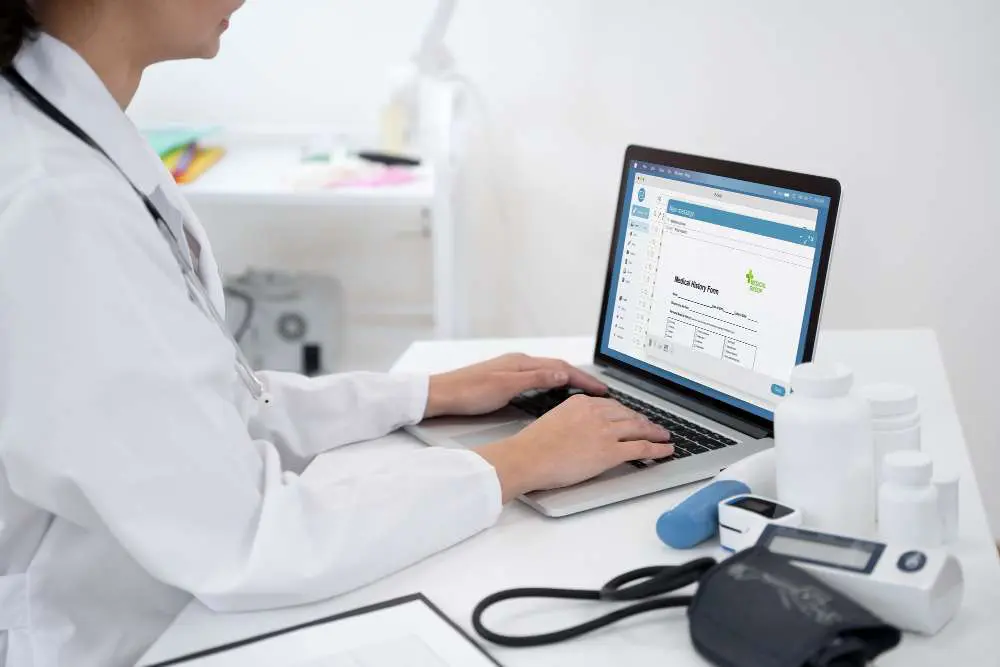
In the modern healthcare environment, choosing the right clinic software is a decision that directly impacts your clinic’s efficiency, accuracy, and patient satisfaction. With increasing administrative demands and growing patient expectations, a reliable healthcare management system isn’t a luxury—it’s a necessity.
For clinics starting out, growing rapidly, or looking to reduce operational friction, investing in the right clinic management software can transform how you deliver care and run your practice.
Why the Right Practice Management Software Matters
A comprehensive healthcare management system integrates all core functions of your clinic—scheduling, billing, patient records, reporting, and communication—into one platform. This creates:
- Greater visibility into operations
- Fewer manual errors
- Improved staff coordination
- Better patient experiences
Discover how EasyClinic powers modern clinic operations
Identifying Your Clinic’s Software Requirements
Before choosing a system, you need to assess your unique workflows and requirements. What works for a multi-specialty chain may not fit a single-location family practice.
Practice Size and Scope
- Solo practitioner clinics need easy-to-use tools for quick adoption.
- Larger clinics need scalable solutions with advanced reporting, user permissions, and inventory tracking.
Operational Needs
Make a checklist of what you expect the software to handle:
- Appointment scheduling
- Billing and claims
- EMR management
- Online patient payments
- Inventory tracking
- Staff management
- Analytics and reports
Read FAQs on what EMR and clinic software features to expect
Must-Have Features in Clinic Software
Choosing a clinic software is more than ticking boxes—it’s about matching features with your clinical goals.
Appointment Scheduling & Calendar Management
Your software should enable:
- Online booking
- Automated reminders
- Real-time availability
- Rescheduling workflows
This helps reduce no-shows and improves patient satisfaction.
Billing, Insurance & Payment Processing
Look for a system that supports:
- Electronic insurance claims
- Real-time co-pay calculations
- Multiple payment modes
- Digital receipts
- Error-checking tools
See how EasyClinic helps minimize billing errors
Electronic Medical Records (EMR) Integration
A strong EMR component means:
- Secure access to patient history, allergies, medications
- Ability to attach reports and imaging
- Quick documentation via templates
- Customizable SOAP notes
Explore EasyClinic’s EMR benefits for doctors
Inventory and Supply Management
Efficient stock tracking can reduce waste and improve cash flow. Your software should track:
- Incoming and used medical supplies
- Expiry alerts
- Low stock reminders
- Purchase history
Learn more about AI-powered inventory efficiency
Compliance and Data Security
Choose a tool that’s compliant with local regulations and offers:
- End-to-end encryption
- Role-based access
- Secure cloud backups
- Audit logs for all user actions
Patient Engagement Tools
Today’s patients expect digital convenience. Look for:
- SMS/email reminders
- Review management tools
- Patient portal for accessing test results or medical records
- Two-way communication
Enhance communication with EasyClinic’s smart engagement tools
Reporting and Analytics
A solid healthcare management system should help you:
- Analyze revenue trends
- Monitor staff productivity
- Track patient retention
- Identify treatment outcomes
See how data drives better decisions with EasyClinic
Key Factors to Consider Before You Buy
Cost and ROI
Compare:
- Monthly subscription fees
- Setup costs
- Add-ons or integration charges
- Training and support fees
Also consider the long-term return: fewer errors, faster billing, improved patient satisfaction.
Ease of Use
A complicated system can cause frustration. Look for:
- Clean, modern interface
- Role-based dashboards
- Minimal training required
- Mobile or tablet compatibility
Scalability
Your clinic may grow—your software should grow with it. Ask:
- Can you add locations or providers?
- Is it cloud-based and accessible remotely?
- Can modules be added later?
Integration Capabilities
Ensure compatibility with:
- Lab systems
- Pharmacy software
- Diagnostic platforms
- Accounting tools
- CRM platforms
Customer Support and Onboarding
Support matters just as much as features. Look for:
- 24/7 support via chat, email, or phone
- Dedicated account managers
- Onboarding and data migration assistance
- Tutorial libraries or training sessions
Need help? Contact EasyClinic’s expert support
Comparing Popular Practice Management Software
Here’s a simplified comparison of what to look for:
| Feature | Importance |
| Online scheduling | Essential for modern patient flow |
| EMR integration | Mandatory for recordkeeping |
| Insurance and billing tools | Necessary for revenue integrity |
| Inventory tracking | Recommended for multi-specialties |
| Analytics | Essential for decision-making |
| Custom templates | Great for specialty clinics |
| Mobile access | Ideal for on-the-go doctors |
| Regulatory compliance | Non-negotiable |
Common Mistakes Clinics Make When Choosing Software
1. Ignoring Staff Input
Get feedback from doctors, receptionists, and billing personnel—they’ll be the ones using the system daily.
2. Focusing Only on Price
Cheap software may lack critical tools, and expensive doesn’t always mean better.
3. Overlooking Data Migration
Ask how your old patient and billing data will be securely imported.
4. Not Planning for the Future
Ensure your system can handle telehealth, AI tools, or specialty expansion later.
Implementation Tips for a Smooth Rollout
Create a Go-Live Timeline
- Allocate 2–4 weeks for setup and training
- Choose a non-peak week for transition
Assign a Point Person
Have an internal coordinator to work with the software vendor, gather questions, and oversee feedback.
Train Your Team
Use real patient workflows during training to build confidence.
Go Live in Phases
Start with one module (like appointments) before using billing or EMR.
EasyClinic offers complete onboarding and setup support
Conclusion: Streamline Your Clinic with the Right Software
Investing in the right clinic software isn’t just about technology—it’s about creating a smoother, more efficient, and patient-friendly practice. A strong healthcare management system can reduce administrative burdens, cut costs, and let your team focus on what truly matters: delivering care.
From scheduling and billing to compliance and engagement, today’s top clinic platforms do more than ever before. The right software will not only grow with your practice but will also become the backbone of your clinic’s success.
If you’re ready to take control of your clinic operations, explore EasyClinic’s comprehensive suite of features built specifically for modern healthcare providers.